
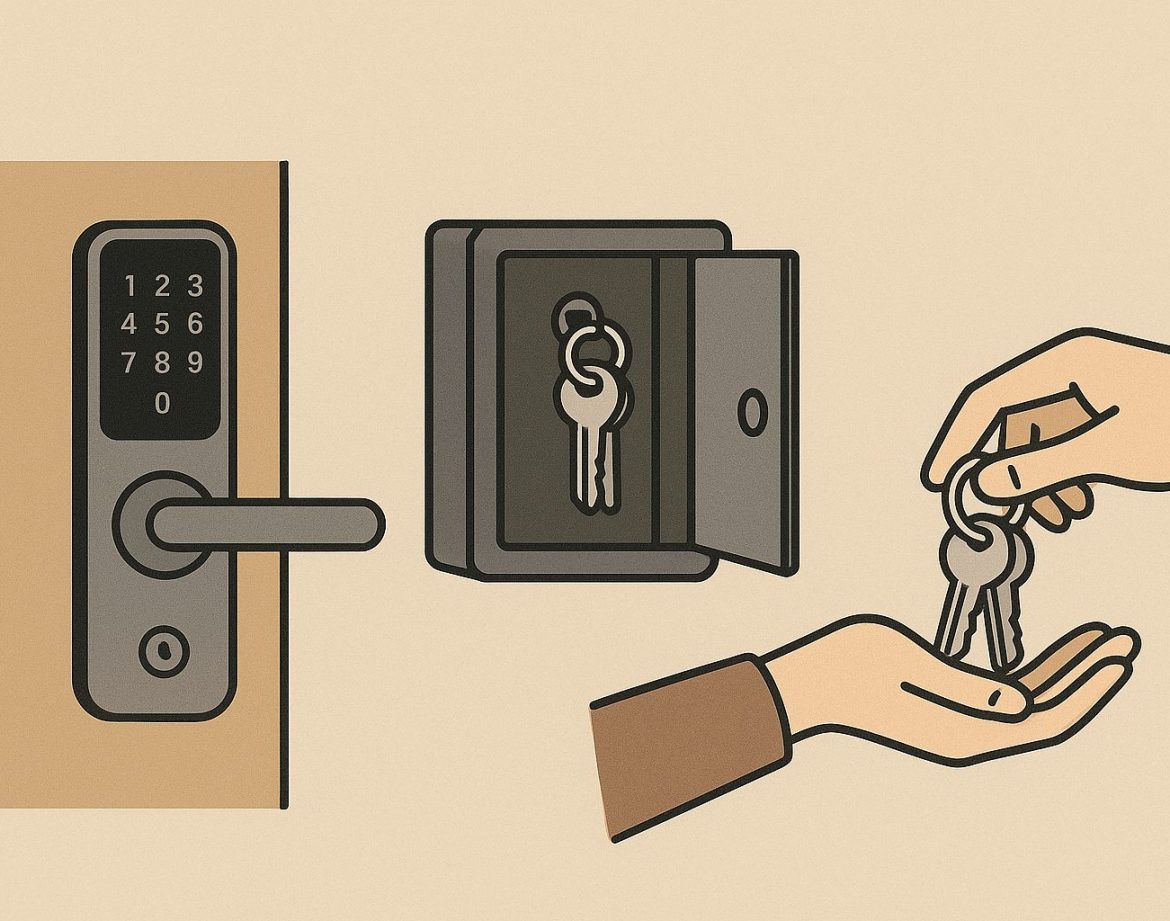
Best Check-In Systems for Porto Apartments: Key Box vs. Smart Lock vs. In-Person
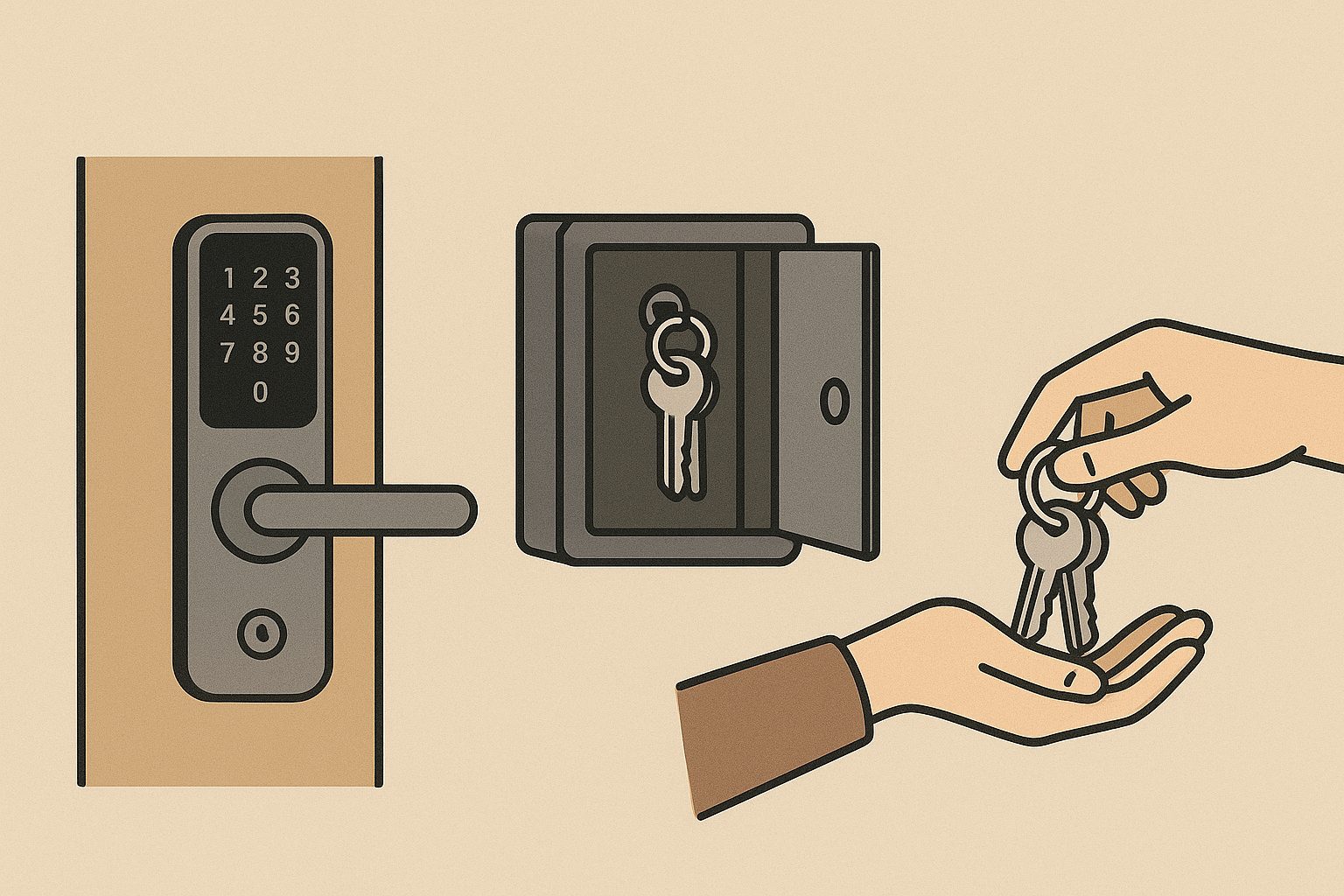
For short-term rental hosts in Porto, the check-in process is the first direct interaction guests have with your property. A smooth, efficient system sets the tone for their entire stay. While traditional in-person greetings have their charm, modern alternatives like key boxes and smart locks offer significant advantages.
Key Box (Lockbox): The Budget-Friendly Workhorse
How it works: A physical box secured with a code, usually mounted near the apartment entrance, holds the keys. Guests receive the code upon booking confirmation or just before arrival.
Pros:
- Cost-Effective: Typically the most affordable option to set up.
- Reliable: Simple mechanics mean fewer technical glitches compared to electronic systems.
- Convenience: Offers flexibility for both guests (24/7 self-check-in) and hosts (no need to be physically present).
- Backup: Can serve as a reliable backup even if you use a smart lock.
Cons:
- Security Concerns: Codes can be shared easily, and some lockboxes might be vulnerable to tampering if not properly secured. Keys can be lost.
- Lack of Control: You can’t track who enters or exits, nor can you change codes remotely for individual bookings unless it’s a digital key box.
- Aesthetics: Can sometimes look clunky or out of place on a historic Porto building.
Smart Lock: The High-Tech Solution
How it works: Electronic locks controlled via a smartphone app, keypad, or even facial recognition. Guests receive unique, temporary access codes or digital keys that activate only for their booking duration.
Pros:
- Enhanced Security: Codes are unique per guest and expire automatically. You get activity logs to monitor entries/exits.
- Ultimate Convenience: Seamless, 24/7 self-check-in. No physical key exchange needed.
- Remote Management: Manage access, set schedules, and troubleshoot from anywhere.
- Modern Appeal: Projects a professional, tech-savvy image to guests.
Cons:
- Higher Upfront Cost: Smart locks are a significant investment compared to key boxes.
- Technical Reliance: Requires stable Wi-Fi and power. Battery issues or app glitches can cause problems.
- Guest Familiarity: Some guests might be less comfortable with technology or encounter issues with app downloads.
- Installation: May require professional installation and might not be suitable for all door types, especially in older Porto buildings.
In-Person Check-In: The Personal Touch
How it works: A host or a designated representative meets guests at the property to hand over keys, provide a tour, and offer local tips.
Pros:
- Personalized Welcome: Builds rapport, allows for direct communication, and helps guests feel immediately comfortable.
- Opportunity to Upsell/Inform: Ideal for sharing local recommendations, explaining house rules, or offering additional services.
- Problem Prevention: Can address immediate questions or issues, like Wi-Fi setup, right away.
- Trust Building: Many guests appreciate the human interaction.
Cons:
- Time-Consuming: Requires coordination and can be challenging with flight delays or unpredictable arrival times.
- Less Flexible: Limits check-in times to when you or your representative are available.
- Scalability Issues: Difficult to manage efficiently if you have multiple properties or high booking volumes.
- Cost: If using a management service, it adds a per-check-in fee.
Which System is Best for Porto?
For most Porto apartments, a key box offers an excellent balance of cost-effectiveness, reliability, and guest convenience, making it a very popular choice. However, if you prioritize cutting-edge security, remote control, and a modern guest experience, a smart lock is an worthwhile investment. In-person check-ins are best reserved for premium properties where a high-touch, personalized service is a core part of the guest experience and you have the resources to manage it effectively. Many hosts opt for a hybrid approach, using a smart lock as primary and a key box as backup.